What Does Redact Mean? A Complete Guide to Document Redaction
January 31, 2026
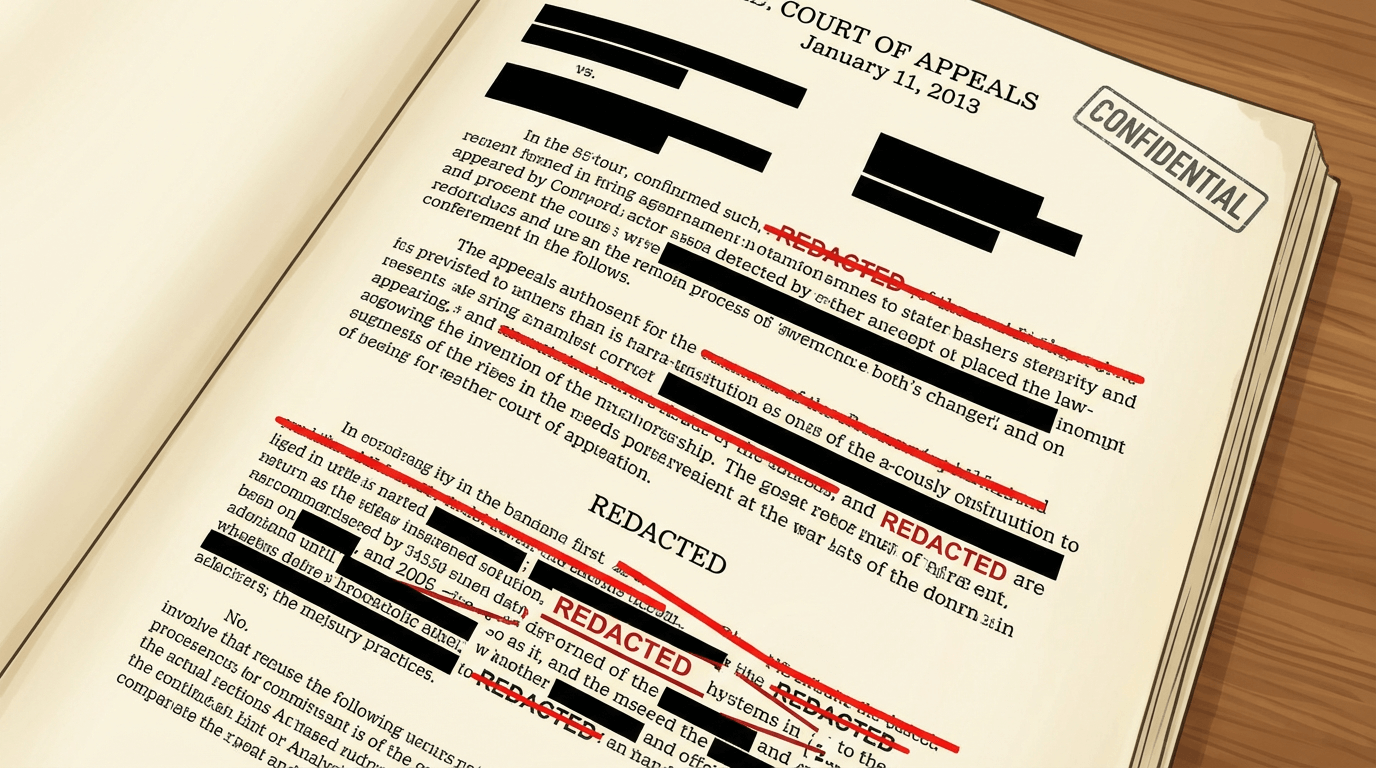
To redact means to permanently obscure or remove sensitive information from a document, image, or other media before it is shared or published. In 2024 alone, data breaches exposed over 1.1 billion records globally, with improperly handled documents being a leading cause. Understanding redaction is no longer optional—it's essential for anyone handling sensitive information.
This guide covers everything you need to know about redaction: what it means, the different types, when it's legally required, common methods, and best practices for secure implementation. Whether you're a legal professional, healthcare worker, business owner, or individual concerned about privacy, this comprehensive resource will help you understand and apply redaction correctly.
Definition of Redact: Etymology and Legal Context
The word "redact" comes from the Latin redigere, meaning "to bring back" or "to reduce." In its original usage, redaction referred to editing or preparing text for publication. Today, it has evolved to specifically mean the removal or obscuring of sensitive information.
In legal and regulatory contexts, redaction refers to the process of permanently removing or obscuring confidential, privileged, or personally identifiable information from documents before they are disclosed, published, or shared. The key distinction is permanence—proper redaction ensures the hidden information cannot be recovered.
It's important to distinguish redaction from censorship. While both involve hiding content, censorship typically refers to suppressing information for political, moral, or ideological reasons. Redaction, by contrast, protects specific pieces of sensitive data while preserving the rest of the content for legitimate sharing purposes.
Types of Redaction
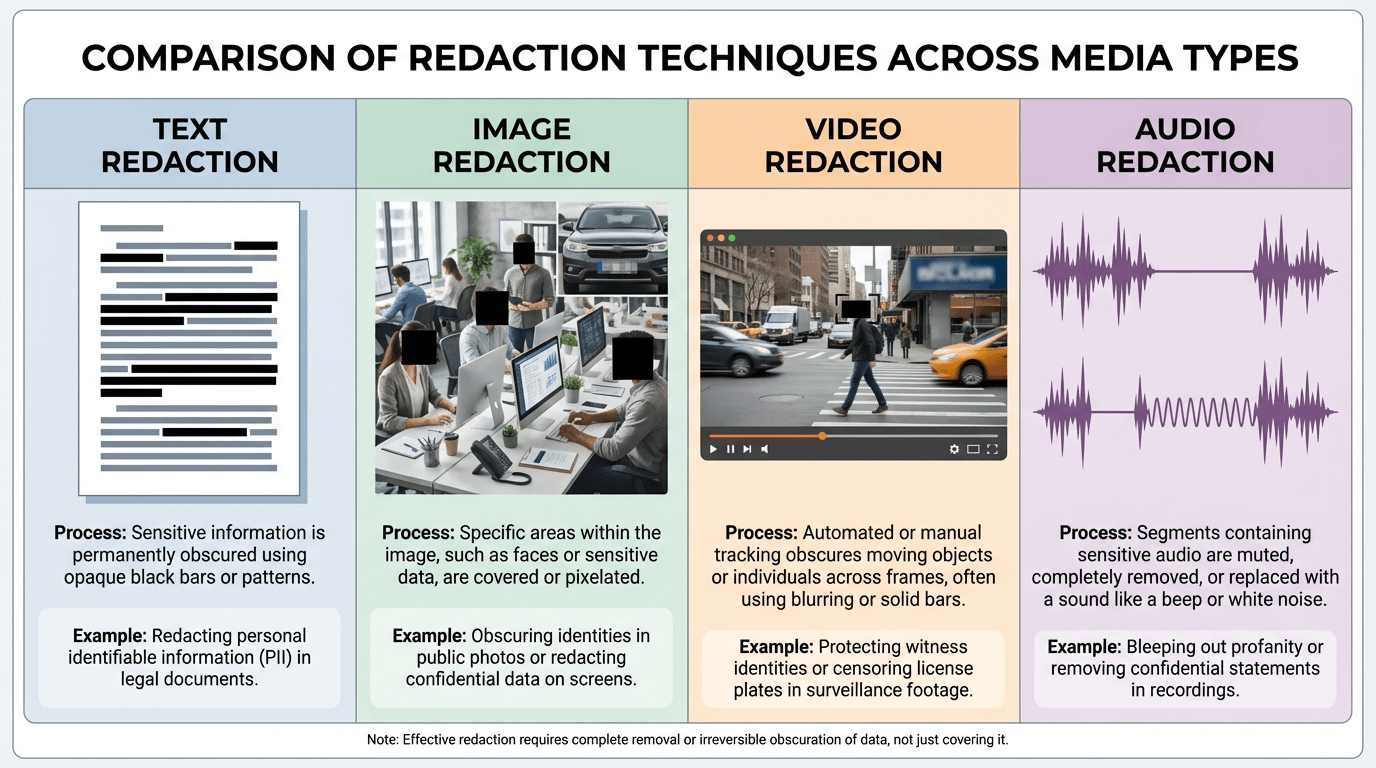
Redaction applies to multiple media types, each with its own considerations and techniques:
Text Redaction
The most common form, text redaction involves obscuring written content in documents. This includes names, addresses, Social Security numbers, account numbers, and other personally identifiable information (PII). Text redaction is critical in legal documents, contracts, medical records, and financial statements.
Image Redaction
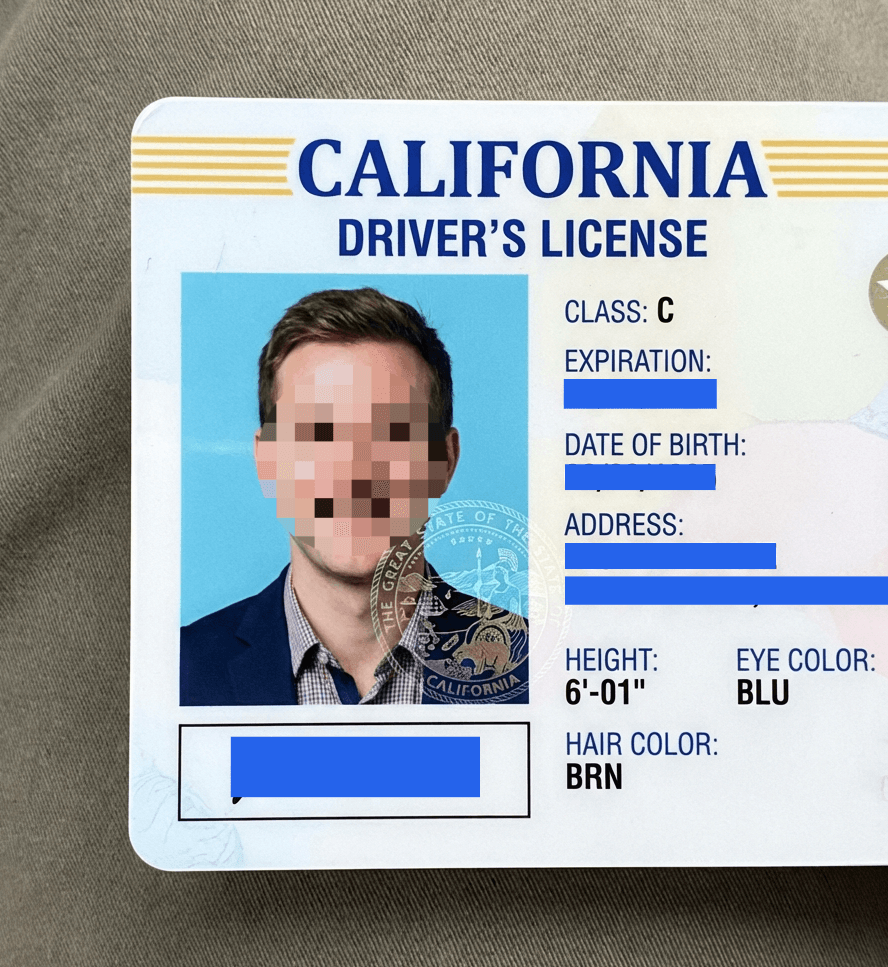
Image redaction involves obscuring visual elements such as faces, license plates, ID documents, credit cards, or any visible sensitive information captured in images. This is increasingly important for social media sharing, real estate listings, journalism, and research publications.
Video Redaction
Video redaction applies blurring, pixelation, or masking to moving images across multiple frames. Common uses include body-worn camera footage, security recordings, witness protection in court videos, and documentary filmmaking.
Audio Redaction
Audio redaction involves removing or replacing portions of audio recordings. This is commonly used for protecting witness identities in depositions, removing classified information from recordings, and editing call center recordings before training use.
When and Why to Redact
Redaction is required or recommended in numerous scenarios, often driven by legal and regulatory requirements:
Legal Discovery (eDiscovery)
During litigation, parties must exchange relevant documents. Redaction protects privileged attorney-client communications, trade secrets, and information about non-parties to the case.
FOIA Requests
Government agencies responding to Freedom of Information Act requests must redact information falling under specific exemptions, including national security data, personal privacy, and law enforcement information.
GDPR Compliance
The General Data Protection Regulation requires organizations to protect personal data of EU residents. Redaction (referred to as "anonymization" in GDPR terms) allows documents to be shared without exposing protected personal information. Non-compliance can result in fines up to €20 million or 4% of global revenue.
HIPAA Requirements
Healthcare organizations must de-identify Protected Health Information (PHI) before using it for research, training, or sharing with unauthorized parties. HIPAA defines 18 specific identifiers that must be removed or redacted.
Internal Document Sharing
Companies often need to share documents internally while protecting sensitive information. For example, sharing financial reports with different departments may require redacting salary information or customer payment details.
Common Redaction Methods
Different redaction methods offer varying levels of security and visual appearance. Understanding the differences is crucial for choosing the right approach:
| Method | Security Level | Best For | Reversible? |
|---|---|---|---|
| Solid Color Overlay | Highest | Legal documents, IDs, financial data | No |
| Pixelation | High | Faces, license plates | Possible with AI |
| Gaussian Blur | Medium | Backgrounds, non-critical areas | Possible with AI |
| White-out | Highest | Printed documents, forms | No |
| Character Replacement (███) | Highest | Digital text documents | No |
Important security note: For text containing passwords, Social Security numbers, financial account numbers, or other highly sensitive data, always use solid color overlay or character replacement. Blur and pixelation can sometimes be reversed using AI de-blurring tools, especially for text with predictable patterns.
Redaction vs. Deletion: Key Differences
Many people assume that simply deleting sensitive text or cropping an image is sufficient to protect privacy. This is a dangerous misconception:
- Deletion isn't always permanent: Deleted text in Word or PDF documents can often be recovered using forensic tools or by examining document metadata.
- Metadata persists: Even if you delete visible content, files often contain hidden metadata—GPS coordinates in images, author information in documents, revision history, and more.
- Document integrity: Deletion can disrupt document formatting, pagination, and legal admissibility. Redaction preserves the document's structure and context.
- Legal hold requirements: In many legal contexts, you're required to preserve the original document. Redaction allows you to share a protected version while maintaining the unredacted original under secure storage.
Proper redaction tools physically replace the underlying data, not just overlay it visually. This ensures the original information is truly unrecoverable.
Best Practices for Secure Redaction
Following these best practices ensures your redaction is effective and legally defensible:
- Use proper redaction tools: Never use simple drawing tools to place black boxes over text. Professional redaction tools permanently remove the underlying data.
- Verify redaction is permanent: After redacting, try selecting the redacted area and pasting elsewhere. If the original text appears, your redaction failed.
- Remove metadata: Strip EXIF data from images (GPS, camera info, timestamps) and document metadata (author, revision history) before sharing.
- Conduct quality assurance: Have a second person review redacted documents before distribution. It's easy to miss sensitive information on first pass.
- Maintain an audit trail: Document what was redacted, when, and by whom. This is often required for legal and regulatory compliance.
- Choose appropriate methods: Use solid color for text with highly sensitive data. Blur or pixelation may be acceptable for faces where complete erasure would look unnatural.
How PixBlur Simplifies Image Redaction
While text-based document redaction often requires specialized legal software, image redaction has historically been tedious and error-prone. PixBlur addresses this with a modern approach:
- AI-powered detection: Automatically identifies faces and sensitive text (names, phone numbers, addresses, license plates, IDs, credit card numbers) with >98% accuracy across 100+ languages.
- Manual editor: Runs 100% in your browser—images never leave your device. Completely free, no login required.
- Multiple mask styles: Choose from pixelation, Gaussian blur, solid color, or emoji overlays depending on your security needs and aesthetic preferences.
- Batch processing: Redact 10+ images at once with AI detection, review each result, and download as a ZIP.
- PDF Converter: Convert PDF documents to images for secure redaction (text-based PDF redaction can be bypassed), then convert back. 100% free, runs in browser.
- EXIF removal: All exported images automatically have metadata stripped—no extra steps needed.
Frequently Asked Questions
What does redact mean in simple terms?
To redact means to permanently obscure or remove sensitive information from a document or image before sharing it. Unlike deletion, redaction preserves the document structure while making specific content unreadable, typically using black boxes, blur effects, or pixelation.
Is redaction the same as deleting information?
No. Deletion removes content entirely, which can alter document formatting and may leave recoverable traces in metadata. Redaction permanently obscures information in place, maintaining document integrity while ensuring sensitive data cannot be recovered or reconstructed.
Can redacted information be recovered?
Properly redacted information cannot be recovered. However, improper methods like drawing black boxes over text in Word or PDF editors can often be bypassed by copying/pasting the hidden text. Secure redaction requires tools that permanently destroy the underlying data, not just visually cover it.
What is the most secure redaction method?
Solid color overlay is the most secure redaction method because it completely replaces the original pixels, making recovery impossible. Blur and pixelation can sometimes be reversed using AI tools, especially for text. For highly sensitive documents, always use solid color redaction.
Is redaction required by law?
Yes, in many contexts. GDPR requires anonymization of personal data before sharing. HIPAA mandates de-identification of Protected Health Information (PHI). FOIA responses must redact exempt information. Legal discovery requires redaction of privileged content. Failure to properly redact can result in significant fines.
Why PixBlur for Image Redaction?
- ✅ AI-Powered Detection — Automatically finds faces, names, phone numbers, addresses, license plates, and other PII with >98% accuracy
- ✅ Review Before Export — AI results are editable; add or remove masks before downloading
- ✅ Batch Processing — Redact up to 10 images per batch with a single click
- ✅ Privacy-First Manual Mode — 100% local processing, no uploads, completely free
- ✅ Free PDF Converter — Convert PDF to images and back, 100% in browser
- ✅ EXIF Metadata Removed — GPS, camera info automatically stripped
Manual editor requires no login. AI features give new users 5 free credits to try.