Blur Image Online Free Pixelate Faces Redact Sensitive Text
Censor faces, blur text, hide license plates, and anonymize personal information. Free manual editor runs 100% in your browser. Or let AI do it in seconds. Images are processed temporarily and never stored.

Blur, Pixelate, or Censor Any Image for Privacy
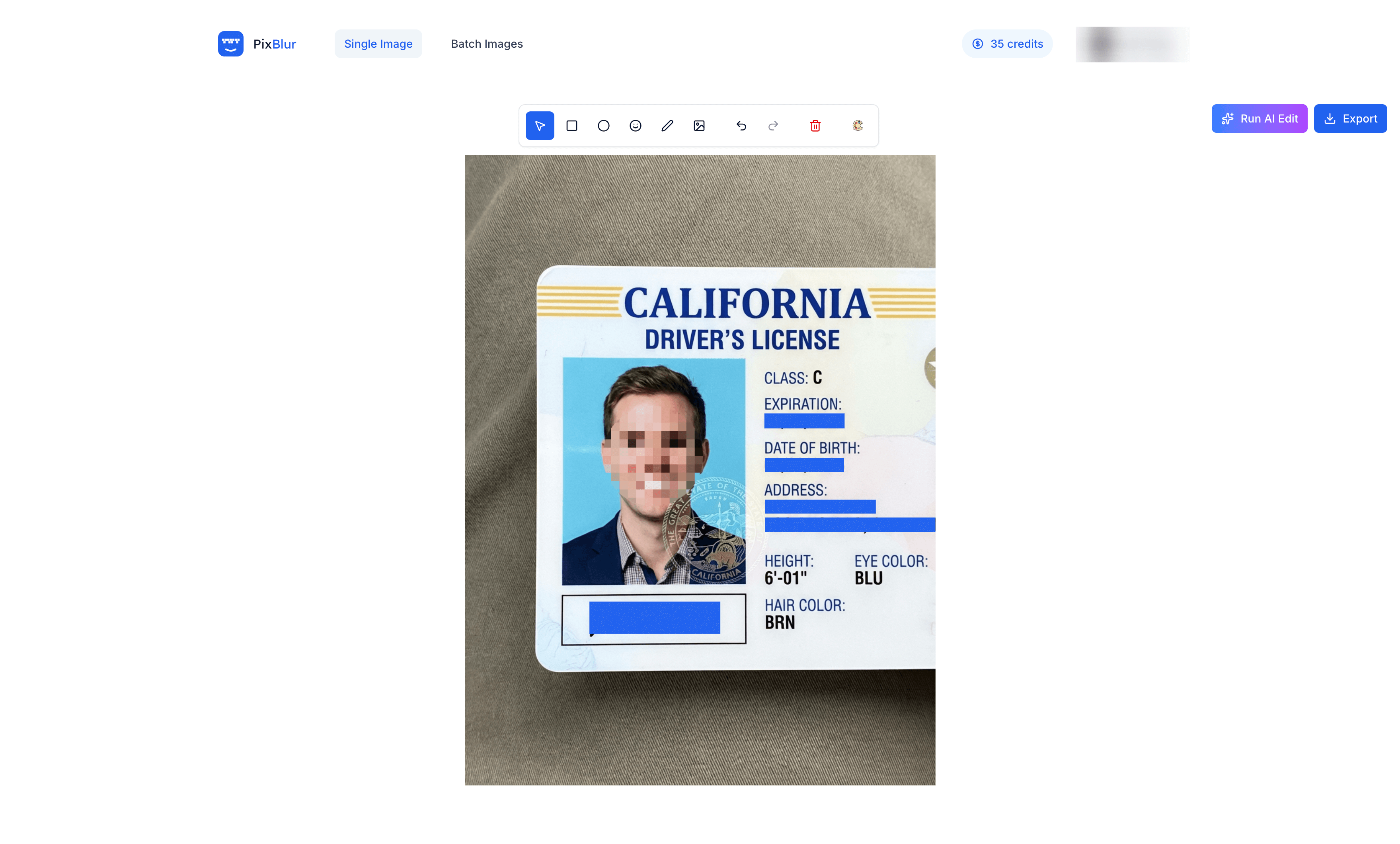
AI automatically detects and redacts faces, license plates, and sensitive text in seconds. Review masks, adjust if needed, export at full resolution.
Blur, pixelate, or censor any area with shapes, freehand, emoji, and solid color masks. Manual editing runs 100% locally. AI auto-redacts faces and text in seconds — review, adjust, export at full resolution.

Frequently asked questions
Is PixBlur free to use for blurring images?
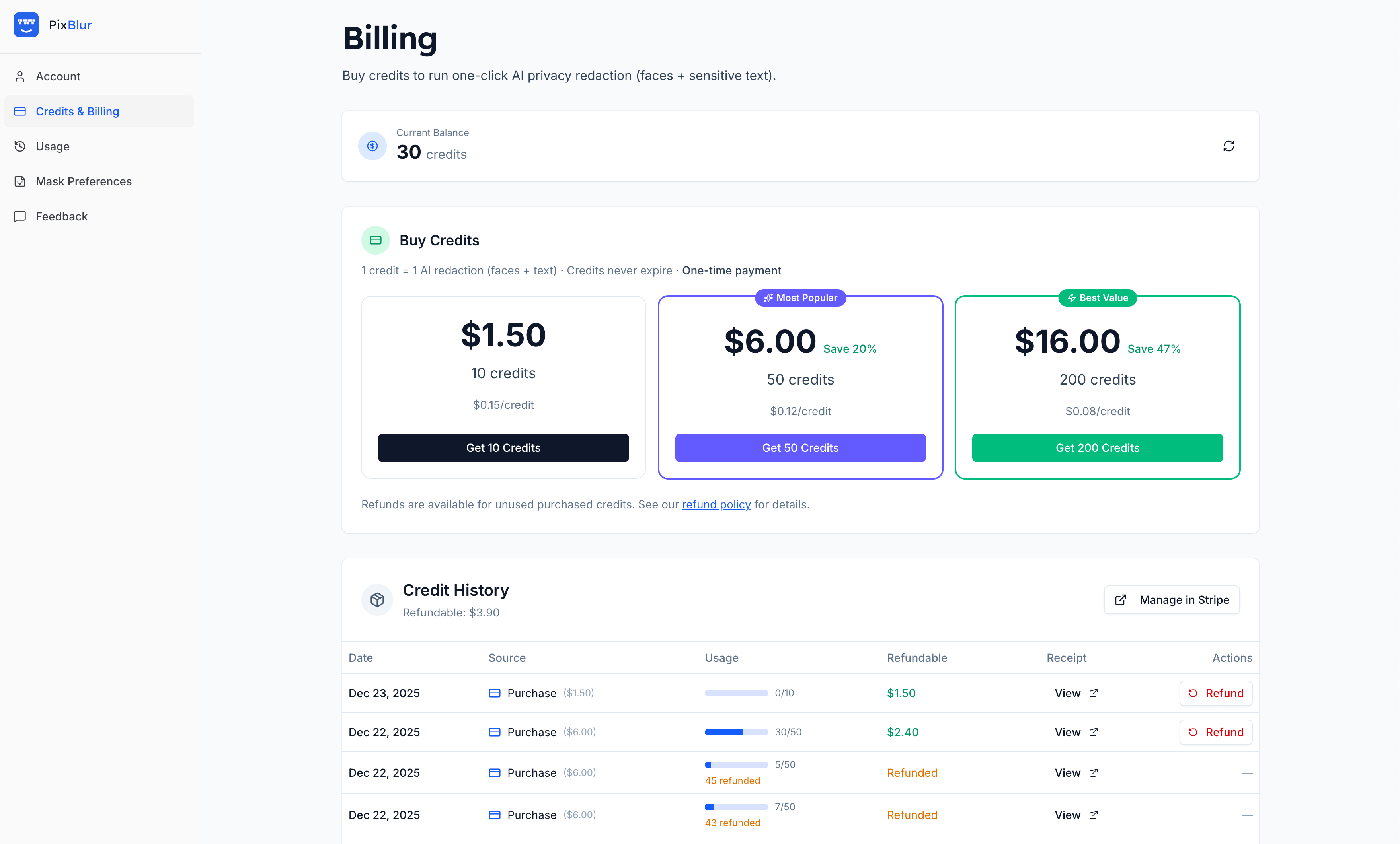
Yes — the manual blur, pixelate, and censor editor is always free with no limits. AI-powered face and text redaction costs 1 credit per image. Buy credit packs starting at $1.50 (no subscription required). Credits never expire, and unused credits can be refunded anytime. New accounts get 5 free credits to try AI redaction.
Do I need an account to blur or pixelate images?
No account required for manual editing — just open the editor and start blurring. You only need to sign in if you want AI-assisted automatic face blur and sensitive text redaction, or batch image anonymization.
How accurate is the AI face and text redaction?
PixBlur's AI, powered by Google Gemini, achieves >98% accuracy for both face detection and sensitive text redaction. It automatically finds and redacts faces, names, email addresses, phone numbers, physical addresses, ID numbers, and other personal information. The AI supports 100+ languages for global documents and screenshots.
Are my images uploaded or stored when using PixBlur?
Manual editing never uploads your images — everything runs 100% locally in your browser. AI redaction mode temporarily uploads the image for processing, but images are processed immediately and never stored on our servers. We do not use your images for AI training.
What can PixBlur blur, pixelate, or censor in images?
PixBlur can blur or pixelate any area you select: faces, text, license plates, addresses, screenshots, ID cards, credit cards, and any sensitive information. Use manual tools (rectangle, circle, freehand, emoji overlay) for precise control. AI redaction automatically detects and masks faces and sensitive text like names, emails, phone numbers, addresses, and ID numbers.
Does PixBlur remove EXIF metadata from images?
Yes, PixBlur automatically removes all EXIF metadata from exported images, including GPS location coordinates, camera model, timestamps, and other identifying information. This protects your privacy when sharing images online.
What image file types and sizes does PixBlur support?
PixBlur supports JPEG, PNG, and WebP image files up to 30 MB per image. Exported images maintain the original resolution and format (WebP is exported as PNG). There are no watermarks on exported images.
How does batch image anonymization work?
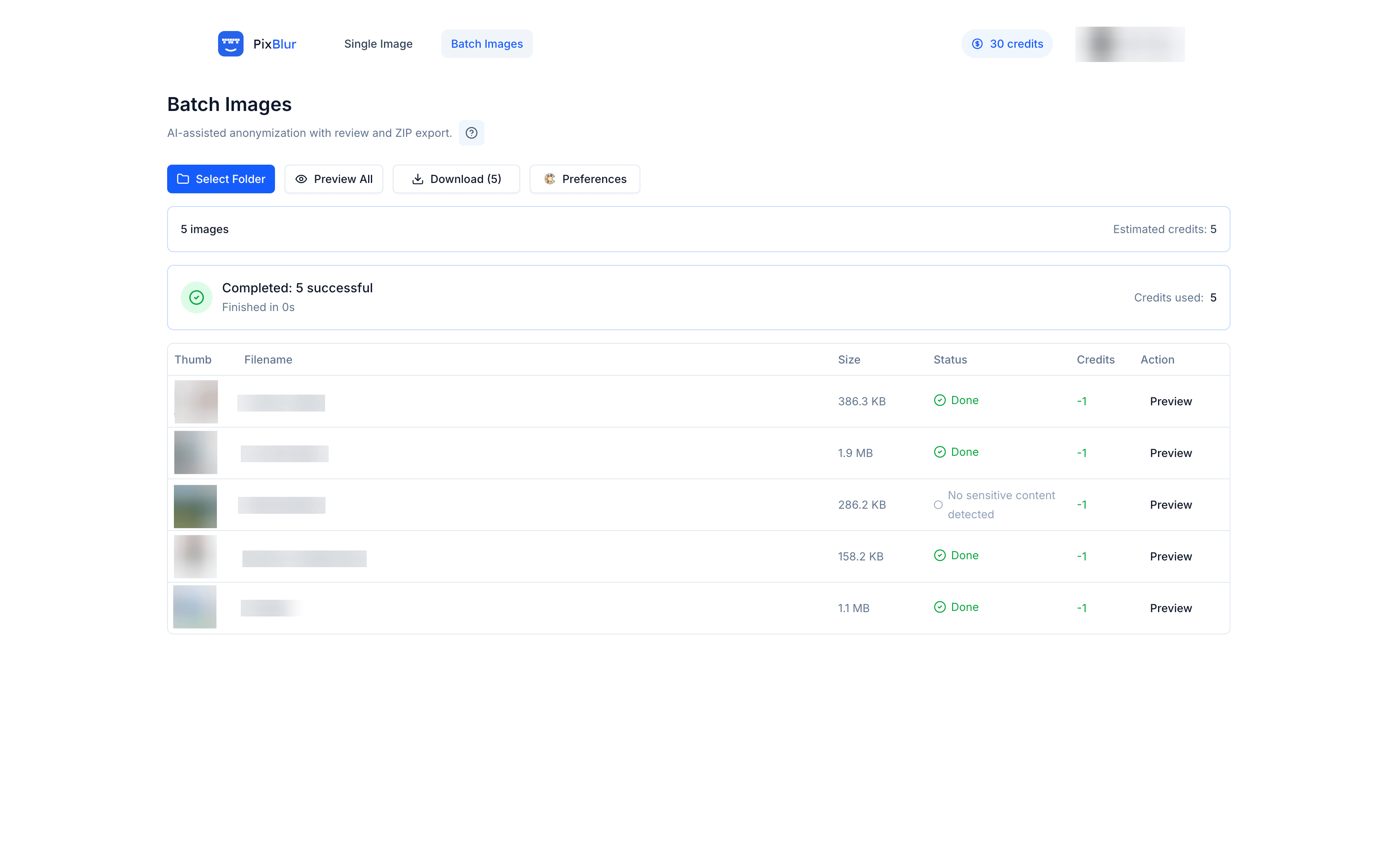
Select a folder, process 10 images per batch with AI redaction, preview and adjust masks for each image, then download that batch as ZIP. Repeat for the next batch. No API or coding required.
Is PixBlur compliant with GDPR and privacy regulations?
PixBlur helps you comply with privacy regulations like GDPR and CCPA by allowing you to anonymize personal information in images. Manual editing processes locally and never transmits data. AI processing is temporary with no data retention. Automatic EXIF removal prevents location tracking.